
TL;DR
For twins, the best monitor setup is usually the one that lets you see both babies quickly without fiddling with apps, camera switching, or weak connections. In most homes, that means a two-camera system with split-screen and dependable range, with Wi-Fi only worth the tradeoff if you truly want phone access away from home.
Top Recommended Baby Monitors for Twins
| Product | Best For | Price | Pros/Cons | Visit |
|---|---|---|---|---|
| Motorola Nursery Video Baby Monitor with 2 Cameras, 5″ | Most twin nurseries | Check price on Amazon | Includes two cameras and works without Wi-Fi; some parents report antenna or battery concerns | Visit Amazon |
| Owlet US FDA-Cleared BabySat® Monitoring System | Specialized monitoring needs | $640 – $750 | More monitoring-focused than a standard video unit; expensive and not a straightforward twin camera setup | Visit Owlet |
Top Pick: Best Overall Baby Monitors for Twins
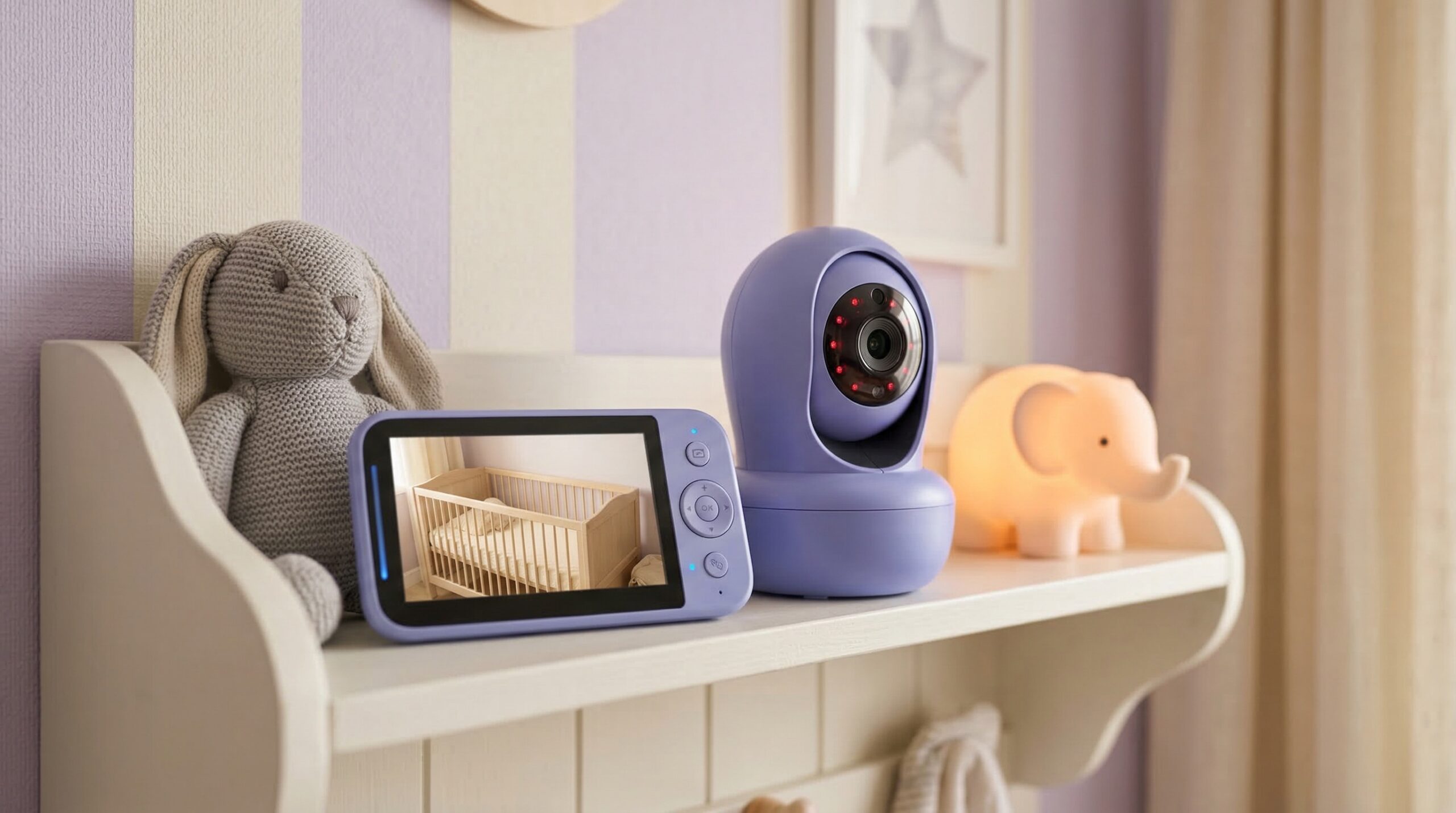
Motorola Nursery Video Baby Monitor with 2 Cameras, 5″
Best for: Families who want a simple twin-ready setup for two cribs in one nursery or for twins sleeping in separate rooms on the same floor.
The Good
- Comes with two cameras, so you are not forced to buy a second one later just to monitor both babies.
- Non-Wi-Fi setup appeals to parents who want less app dependence and fewer privacy worries overnight.
- Buyer feedback points to clear sound and video, which matters when you are trying to tell which twin stirred first.
- Long-range performance is a practical fit for larger homes or for a parent moving between floors during naps.
- Split-screen positioning is a strong match for twin use because both sleep spaces can stay in view at once.
The Bad
- Some parent reports mention antenna durability issues over time.
- Battery life feedback is mixed, with some caregivers keeping the parent unit plugged in often.
- If you want robust remote smartphone viewing away from home, this style of monitor may feel limiting.
4.2/5 across 617 Amazon reviews
“We have an older model for my son but I picked up this newer model for my newborn daughter and it’s the same good quality as the first one with improvements. It has great range, battery life on these things is mind blowing even after 3 years with my son’s it’ll last all night and even longer if you turn thr display off. Sound quality is pretty decent on…” — Verified Amazon buyer (5 stars)
“Antenna breaks easily. Battery life isn’t good on this so I have it plugged in most of the time. Easy to use. Sound n video is clear and connecting is great” — Verified Amazon buyer (3 stars)
“We have The Motorola VM75-2 split screen with two cameras. I really like it, I didn’t want one with wifi because I read too many stories of those being hacked and our wifi can really really suck sometimes.” — r/parentsofmultiples discussion
“It has great range, battery life on these things is mind blowing even after 3 years with my son’s it’ll last all night and even longer if you turn thr display off.” — verified buyer, 5 stars
Our Take: This is the clearest fit for most twin families because it starts with the right workflow — two cameras, split-screen use, and no-Wi-Fi simplicity — without pushing you into a much higher price tier.
Owlet US FDA-Cleared BabySat® Monitoring System
Best for: A family working with a pediatrician on more specialized monitoring needs, rather than parents simply wanting a standard twin video monitor for overnight checks.
The Good
- Its monitoring-focused design will appeal to shoppers looking beyond a basic nursery camera.
- FDA-cleared positioning helps it stand apart from standard consumer baby monitors.
- It may be worth considering for a household where one caregiver wants more than audio and video alone.
The Bad
- It is not a straightforward pick if your main goal is watching two twins on an easy split-screen setup.
- The price is much higher than most standard baby monitor systems.
- For everyday twin nursery use, it may solve a different problem than the one many parents actually have.
Our Take: This is more of a specialized adjacent option than a true best-buy twin monitor, so we would only consider it if your family has a specific reason to prioritize its monitoring angle over simpler two-camera video use.
FAQ
Do I really need two cameras for twins?
Usually, yes. One camera can work for twins only if both babies are always clearly visible in the same frame without constant repositioning, but that becomes less practical as they move more or if they sleep in separate cribs with different sightlines. For most families, a true two-camera setup is easier and gives you a faster read on who is awake.
Is split-screen necessary for a twin baby monitor?
It is not absolutely required, but it is usually the most convenient setup. Split-screen lets you check both twins at once instead of tapping back and forth between feeds, which matters during middle-of-the-night wakeups when you want a quick answer. If a monitor does not offer split-screen, make sure its camera switching is fast and obvious enough that it will not slow you down.
Should I choose Wi-Fi or non-Wi-Fi for twins?
Non-Wi-Fi is often the easier choice for twin families because it is simple, fast to wake, and not dependent on your home internet. Wi-Fi makes more sense if you want to check in from work, share access with another caregiver, or use app alerts and playback. Parent reports often favor non-Wi-Fi for overnight use, especially when stable range and less app management matter more than remote viewing.
Are baby monitors safe to use around twin cribs?
They can be, as long as you set them up carefully. Keep cords, charging cables, and camera wires well out of reach of both sleep spaces, and avoid placing cameras where they could loosen and fall into a crib. Monitors also do not replace safe sleep practices; the AAP HealthyChildren parent’s guide to safe sleep is still the right starting point, and it is wise to check the CPSC product recalls database before and after you buy.
Can a baby monitor replace medical monitoring for twins?
No. A standard baby monitor is for seeing and hearing your children, not for diagnosing or managing medical issues. If one or both twins have a medical concern, talk with your pediatrician about what kind of monitoring is appropriate, and remember that guidance from the American Academy of Pediatrics still treats ordinary nursery monitors separately from clinical devices.
How much range do parents of twins actually need?
More than many people expect. If your nursery is upstairs and you regularly move to the kitchen, yard, basement, or home office, weak real-world range gets frustrating fast. Manufacturer range claims are usually best-case numbers, so for a multi-floor home, it is smarter to prioritize buyer feedback about stable connection and quick reconnects than bonus features like lullabies or room temperature readouts.
What features are worth paying extra for in a twin monitor?
The core upgrades worth paying for are two cameras, split-screen, dependable signal stability, and clear audio. After that, features like two-way talk, temperature readouts, and remote app access can be nice, but they should stay secondary. If a monitor makes it hard to tell which baby needs you, the extra features do not really help.
What should I skip if I am buying a monitor for twins on a budget?
Skip fancy extras before you skip twin-specific basics. A reliable two-camera system with good sound and easy viewing is usually a better buy than a prettier app or higher-end add-ons that do not improve your nightly routine. In plain terms, buy the workflow first, then the extras.
Bottom Line
The Motorola Nursery Video Baby Monitor with 2 Cameras, 5″ is our top pick for twins because it matches the way most parents actually monitor two babies: both cribs visible, no Wi-Fi dependence, and less fuss in the middle of the night. If your priority is dependable overnight use rather than remote phone access, it is the strongest fit here. For most twin families, that simple two-camera, split-screen approach is what makes a monitor truly useful.
Affiliate disclosure: We may earn affiliate commissions from links on this page at no added cost to you.