
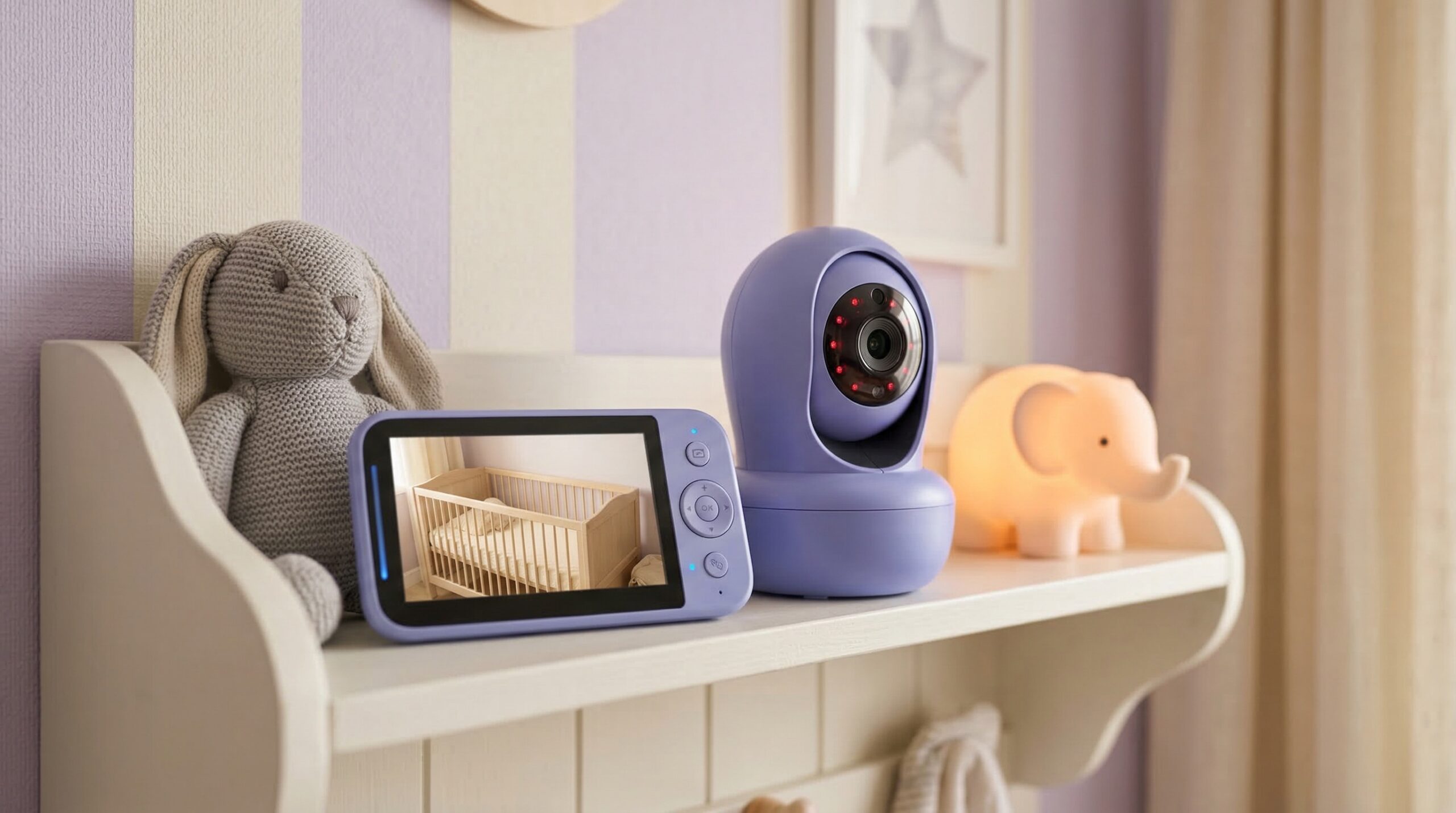
TL;DR
If you truly need to check in from outside the house, a Wi‑Fi monitor can be worth it — but only if you’re comfortable with occasional app latency and you prioritize security features like strong passwords, two‑factor authentication (2FA), and frequent updates. For many families, the “best” choice comes down to how much you’ll rely on cloud/app access versus how much you value simple, always-on viewing at home.
Top Recommended Wifi Baby Monitors
| Product | Best For | Price | Pros/Cons | Visit |
|---|---|---|---|---|
| Philips Avent Premium Connected Baby Monitor | Parents who want a premium, app-connected monitor | $349.99as of Oct 23, 08:25 GMT+0000 | Strong brand ecosystem and full-feature feel; premium price and Wi‑Fi can still be network-dependent | Visit Amazon |
| Owlet US FDA-Cleared BabySat® Monitoring System | Families prioritizing health-style monitoring alongside Wi‑Fi access | $640 – $750 | Health-focused positioning with FDA-cleared system; not a straightforward “camera-only” Wi‑Fi monitor | Visit Owlet |
| Nanit Pro Smart Baby Monitor & Flex Stand 1080p Wi-Fi | Remote viewing with a popular app-first camera | Check price on Amazon | Well-known smart-monitor platform with lots of parent adoption; some buyers report frustrations with the system/camera reliability | Visit Amazon |
Top Pick: Best Overall Wifi Baby Monitors
Philips Avent Premium Connected Baby Monitor
Best for: A family in a typical two-story home who wants a more premium, app-connected experience for check-ins from the couch (and occasional remote viewing) without going ultra “analytics-first.”
The Good
- Premium-positioned connected monitor from a long-established baby brand — a comfort factor for many caregivers shopping this category.
- Designed around phone/app viewing, which is what most people mean when they say “Wi‑Fi baby monitor.”
- Parent feedback suggests families like the overall “monitor” experience as a product category, especially when they want a single ecosystem rather than piecing together a camera plus third-party app.
- If you’re splitting caregiving (two parents, nanny, grandparents), Wi‑Fi access is usually easier to share than a single handheld parent unit.
The Bad
- Like any Wi‑Fi monitor, real-time viewing quality depends heavily on your 2.4 GHz coverage in the nursery (distance, walls, congestion) — not just the camera itself.
- Price is firmly in the premium range, and you’re paying for the ecosystem experience.
- Some buyer feedback in this category suggests not every experience is perfect out of the box, so buying from a retailer with an easy return window matters.
4.3/5 across 227 Amazon reviews
“I’m thrilled with the Philips Avent Premium Connected Baby Monitor! It has exceeded my expectations in every way, making it an essential tool for monitoring my baby’s safety and comfort.The 1080p camera provides crystal-clear video quality, even in night mode, ensuring I can always keep an eye on my little one, regardless of lighting conditions. The SenseIQ…” — Verified Amazon buyer (5 stars)
“Solid monitor overall. Good video quality, easy setup, and the app is great. Big downside is the temperature sensor. It’s consistently off by about 4–6 degrees, which is a lot if you’re relying on it for alerts. Fix the temp accuracy and this would be a great product. As is: good hardware, great app, unreliable temperature.” — Verified Amazon buyer (2 stars)
Our Take: If you want a high-end Wi‑Fi monitor from a recognizable baby brand and you’re willing to optimize your home network a bit, the Philips Avent Premium Connected is our best overall starting point for most shoppers.
Owlet US FDA-Cleared BabySat® Monitoring System
Best for: A caregiver who already knows they want a health-style monitoring system at home (for peace of mind during newborn sleep stretches) and is looking beyond a standard “camera + app” setup.
The Good
- Positioned as an FDA-cleared monitoring system — distinct from most Wi‑Fi baby monitors, which are general wellness/consumer monitoring devices.
- Strong fit for parents who are specifically shopping for baby monitoring plus physiological metrics, not just audio/video.
- Works as an alternative path for families who find themselves spiraling on “did I hear that?” moments and want structured alerts (while still following safe-sleep practices).
The Bad
- This isn’t a typical Wi‑Fi camera monitor pick; if your primary goal is crisp video and simple live viewing, this may be the wrong product category.
- High upfront cost compared with most Wi‑Fi cameras.
- As with any connected monitoring system, you still need to think through account security, who has access, and how notifications behave on multiple phones.
Our Take: If your priority is health-style monitoring and you’re comfortable paying premium pricing for that direction, Owlet’s FDA-cleared BabySat system is the clearest “not just a camera” option on this shortlist.
Nanit Pro Smart Baby Monitor & Flex Stand 1080p Wi-Fi
Best for: A parent returning to work who wants to peek in from outside the home (daycare pickups, a business trip, or just down the street) using a well-known app-first Wi‑Fi camera.
The Good
- Popular, app-first approach that aligns with how many families actually use Wi‑Fi monitors day to day (phone as the “parent unit”).
- Often chosen by parents who want a smart monitor ecosystem rather than a basic IP camera setup.
- Flex Stand bundle can be a practical on-the-go or move-room-to-room option if you’re not ready to commit to permanent mounting immediately (per manufacturer packaging/positioning).
The Bad
- Buyer reviews include complaints about the system/camera experience — a reminder that Wi‑Fi monitors can be sensitive to network conditions and app behavior.
- As with many smart monitors, some desirable features may be tied to subscriptions depending on the package you buy, so you’ll want to read the feature list carefully before committing.
- App-based monitoring can be less convenient overnight than a dedicated handheld monitor if your phone silences alerts, closes the app, or drops background audio.
4.2/5 across 791 Amazon reviews
“The Nanit Pro represents the gold standard in smart baby monitoring. The 1080p HD video quality is exceptional, with remarkably clear night vision that doesn’t wash out or create harsh contrasts. The standout feature is the sensor-free breathing motion tracking — no wearables needed on baby, which is both convenient and reassuring. The overhead camera angle…” — Verified Amazon buyer (5 stars)
“BLUF: Functionality is great but camera frequently disconnects, making the system totally useless and customer service response to issues is dreadfully slow.Pros: The camera system is fantastic when it works. The image is clear and the audio comes through nicely. There isn’t nearly as much of a delay as I thought there would be with the WiFi-based system…” — Verified Amazon buyer (1 stars)
Our Take: Nanit Pro is a solid “Wi‑Fi-first” choice for remote viewing — just go in expecting that your router setup and app settings will determine a lot of your real-world happiness.
FAQ
Is a Wi‑Fi baby monitor safe from hacking?
No connected device is “hack-proof,” but you can reduce risk a lot with basics: use a strong, unique password, enable 2FA if it’s offered, keep the app/firmware updated, and don’t reuse logins across services. General connected-device security guidance from the Federal Trade Commission’s IoT safety tips maps well to baby monitors (secure setup, updates, and access control).
Do Wi‑Fi baby monitors work when the internet is down?
It depends on how the monitor is designed. Some Wi‑Fi cameras can still work on your local home network (LAN) but lose access when you’re away, while other systems lean heavily on cloud connectivity. If “always works at home” is your #1 requirement, many families prefer a hybrid or local-only monitor style; Wi‑Fi-first systems generally have more points of failure (router, ISP, cloud/app uptime).
How much delay is normal on a Wi‑Fi baby monitor?
A small delay is normal because the video/audio has to travel through your Wi‑Fi network (and sometimes through cloud services) before it reaches your phone. In real homes, latency often gets worse when your 2.4 GHz band is congested (neighbors, smart devices), your router is far from the nursery, or your phone aggressively pauses background activity. If delays frustrate you, improving nursery Wi‑Fi coverage (mesh node or access point) often helps more than swapping cameras.
Do I need a subscription for recording or smart alerts?
Many Wi‑Fi baby monitors include live viewing and basic notifications without a monthly fee, but gate cloud recording, longer event history, and “smart” detection behind subscriptions. Before you buy, read the feature list with a skeptical eye: confirm what you get for free, what’s paywalled, and whether fees scale per camera (important for twins or a second kid’s room).
Where should I mount a baby monitor camera?
Aim for a stable view of the entire sleep space (not just the baby’s face), and keep cords and mounts well out of reach to avoid entanglement hazards. Many families get the most useful angle from a high wall mount or a shelf aimed down into the crib area; avoid placing the camera inside the crib or where the cord could dangle near the sleep space. Also remember that per the American Academy of Pediatrics safe sleep guidance, monitors are not a substitute for safe sleep practices.
Are temperature and humidity readings on baby monitors reliable?
Treat them as approximate. Built-in sensors can be influenced by where the camera is placed (near a vent, window, humidifier, or sunlight) and may not match the actual temperature at mattress level. If you plan to use temp/humidity alerts, validate readings with a separate room thermometer and set wider thresholds to avoid constant false alarms.
Should I check for recalls on baby monitors?
Yes. Baby monitors include cameras, batteries, power adapters, and sometimes handheld displays — and electronics can be recalled for overheating or other hazards. It’s worth periodically checking the CPSC recall database for your monitor and any accessories you use with it.
Bottom Line
For most families shopping for the best Wi‑Fi baby monitor, the Philips Avent Premium Connected Baby Monitor is our top pick because it fits the mainstream need: app-based check-ins with a premium, baby-brand ecosystem feel. If you want a monitoring system that’s explicitly health-focused rather than just video, Owlet’s FDA-cleared BabySat is the most distinct alternative on this shortlist. No matter which way you go, prioritize account security, realistic expectations around Wi‑Fi latency, and clear subscription/feature terms before you commit.
Affiliate disclosure: We may earn affiliate commissions from links on this page at no added cost to you.
Product prices and availability are accurate as of the date/time indicated and are subject to change. Any price and availability information displayed on Amazon.com at the time of purchase will apply to the purchase of this product. Certain content that appears on this site comes from Amazon. This content is provided “as is” and is subject to change or removal at any time.